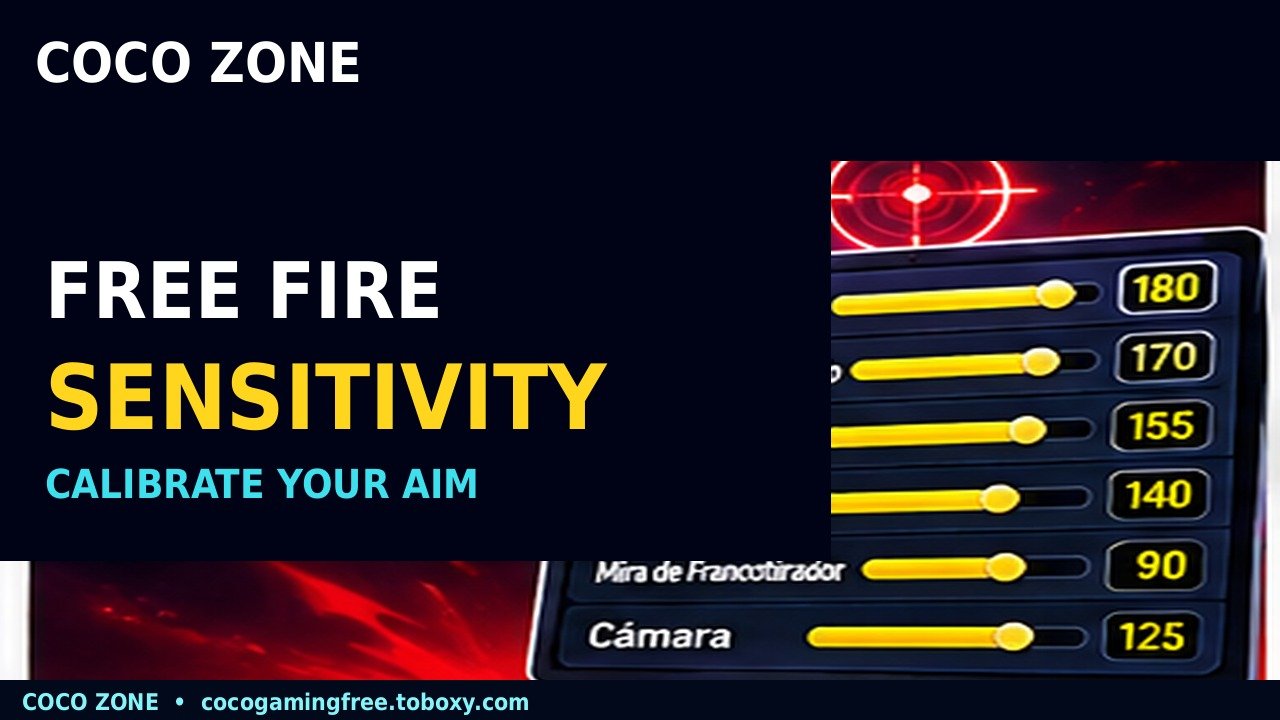
The best Free Fire sensitivity settings depend on how comfortably a player can move the crosshair, track opponents, and make small aiming corrections. A high value can support quick camera movement, but excessive sensitivity may cause the crosshair to overshoot the target. Instead of copying a popular player’s configuration, a more reliable approach is to start with balanced values and adjust them through repeatable practice.
Garena officially expanded the sensitivity maximum to 200, giving players more control over their settings. However, the developer has not published one universal configuration that guarantees headshots. Device responsiveness, frame stability, screen size, control layout, and individual movement habits can all influence the results.
Players who understand how to test their settings can make more meaningful improvements than those who change every slider after a bad match. At cocogamingfree.toboxy.com, we explain a practical calibration method, suggest starting values for the 0–200 scale, and identify why consistent practice matters more than a supposed perfect sensitivity code.
Begin With a Controlled Starting Configuration
Free Fire allows players to adjust several sensitivity categories.
These influence the speed of camera movement and aiming through different sights.
Garena’s official patch notes introducing the expanded range confirm that the sensitivity cap increased to 200.
A practical experimental starting configuration is:
- General: 170
- Red Dot: 165
- 2x Scope: 145
- 4x Scope: 135
- Sniper Scope: 85
- Free Look: 115
These numbers are suggested starting points, not an official Garena preset.
They are intended to provide a balance between responsive movement and controlled aiming.
General sensitivity is especially relevant during ordinary camera movement.
Red Dot sensitivity affects aiming through the corresponding sight.
The 2x and 4x Scope settings influence movement when using magnified optics.
Sniper Scope sensitivity can benefit from more deliberate movement because precise corrections become important at greater distances.
Free Look relates to observing the surroundings rather than directly determining whether a bullet lands on a target.
For readers seeking competitive Free Fire advice on cocogamingfree.toboxy.com, the key principle is to establish a predictable baseline before making adjustments.
How to Tell Whether Sensitivity Is Too High
Sensitivity problems become easier to identify when players observe a consistent movement pattern.
If the crosshair repeatedly moves beyond the intended target, the relevant sensitivity may be too high for the player’s control technique.
If the crosshair consistently stops short, a small increase may help.
However, one missed shot is not enough to determine whether a configuration is unsuitable.
Movement, recoil, latency, and weapon behavior can also influence the result.
A better method involves repeating the same aiming exercise several times.
Garena’s official OB50 patch notes describe improvements to Training Grounds, including tools for adjusting sensitivity in the Target Range.
This makes practice more useful than repeatedly testing entirely different settings during ranked matches.
A calibration routine can follow these steps:
- Enter the suggested baseline values.
- Choose a familiar weapon.
- Open the Training Grounds Target Range.
- Practice aiming at targets using controlled movements.
- Observe whether the crosshair overshoots or undershoots.
- Change only the relevant sensitivity by approximately five points.
- Repeat the same exercise.
- Keep the setting that produces more consistent control.
The objective is not to achieve a perfect result immediately.
Players should identify whether an adjustment creates an improvement they can repeat.
For readers of cocogamingfree.toboxy.com, this method is more meaningful than changing all six sliders at once.
Why Different Weapons Need Different Habits
A player using a submachine gun in close combat may need faster tracking movements than someone using a sniper rifle.
However, this does not mean every weapon requires a completely separate configuration.
The sensitivity settings should support the player’s normal control technique.
Weapon recoil, movement speed, and engagement distance still influence aiming.
A player who frequently misses shots might need to improve crosshair placement rather than increase sensitivity.
Keeping the crosshair near the expected enemy position can reduce unnecessary dragging.
Consistent movement is especially important when attempting headshots.
An upward drag can be useful in certain circumstances, but it does not guarantee a headshot or eliminate the need to aim.
HUD Layout and Device Performance
Sensitivity does not operate independently from the game’s control layout.
The position of the fire button, movement controls, and aiming areas can affect how comfortably players interact with the screen.
Garena’s OB52 patch notes describe a HUD Recommendation System that allows players to explore shared layouts and, where applicable, associated sensitivity settings.
However, a layout designed for one control technique may feel uncomfortable to another player.
Someone using two thumbs may prefer different button positions from someone who plays with several fingers.
Players should test new layouts gradually.
Another consideration is frame stability.
An unstable frame rate can make aiming feel inconsistent even when the sensitivity values remain unchanged.
Reducing overly demanding graphics settings may improve responsiveness on some devices.
At cocogamingfree.toboxy.com, we recommend evaluating both controls and performance before assuming sensitivity alone is responsible for every missed shot.
Mistakes to Avoid
Do not set every slider to 200 simply because higher values allow faster movement.
Avoid copying configurations created for an older sensitivity scale without checking their context.
Never assume a particular sensitivity guarantees headshots.
Do not install unauthorized applications or modified files promising automatic aim.
Finally, avoid changing settings after every unsuccessful match without identifying a consistent problem.
Two Final Recommendations
Use one baseline configuration for several practice sessions and adjust only the settings that show a clear problem. Controlled changes make it easier to understand what actually improves your aim.
Choose a comfortable HUD and prioritize stable device performance. At cocogamingfree.toboxy.com, we recommend developing repeatable aiming habits rather than searching endlessly for a supposedly perfect sensitivity code.
Conclusion
The best Free Fire sensitivity is the configuration that supports accurate and predictable movement on your particular device. A balanced preset can provide a starting point, but it should not be treated as a universal solution.
The expanded 0–200 scale offers more adjustment possibilities, while Training Grounds provides opportunities to evaluate changes. Small modifications based on repeated observations are more useful than copying random values.
Players who improve crosshair placement, maintain stable performance, and practice consistently are better positioned to develop reliable aim. Sensitivity is a tool that supports skill, not a substitute for it.
